







Choosing the best AI sales tools in 2026 is harder than it should be. Hundreds of platforms claim they'll boost your revenue, but how do you know which ones actually work?
Most sales leaders don't have time to test every tool or read through endless reviews. And according to McKinsey, while 87% of B2B sales teams now use AI tools, nearly half still can't figure out which ones are worth the money.
This guide solves that problem. We reviewed 19 AI tools for sales teams across five key areas: conversation intelligence, sales engagement, forecasting, enablement, and prospecting. We tested each one, checked real customer results, and looked at actual performance data—not just what the vendors say.
This review will help you pick the right tools for your team. Whether you need the best AI sales software for coaching reps or tools to speed up your pipeline, you'll find what you're looking for without wasting time on multiple trials.
Key takeaways
- Prioritize closed-loop remediation: The best tools don't just find a problem; they trigger a fix. For example, when looking for sales enablement platforms, choose integrated tools that connect call insights directly to coaching.
- Demand zero-retention security: Enterprise-grade AI must offer SOC 2 Type II and ISO 42001 compliance to ensure your proprietary data isn't used to train public models.
- Augment your managers: Technology adoption dies at the manager level. Choose Agentic AI for sales that handles admin work so managers can focus on high-stakes strategy.
- Consolidate for context: Tools that share data across your sales stack give you a complete picture of what's working and what's not. Point solutions that operate in silos miss critical patterns.
AI sales tools: Quick comparison
| Tool name | Primary focus | AI strength | Best for |
|---|---|---|---|
| Mindtickle | Revenue Enablement | High (Analytic + GenAI) | Unified readiness & ROI |
| Allego | Peer Learning | Medium (Agentic) | Distributed field teams |
| Seismic | Content Governance | High (GenAI Content) | Regulated global enterprise |
| Letter AI | Content Creation | High (GenAI Native) | Rapid asset generation |
| Regie.ai | Autonomous Outbound | High (Agentic) | SDR/BDR teams |
| Lavender | Email Coaching | High (Analytical) | Inbox optimization |
| Salesloft | Revenue Orchestration | High (Predictive) | Full-cycle enterprise |
| Apollo.io | Data + Outreach | Medium (Generative) | SMB & mid-market |
| Gong | Revenue Intelligence | High (Predictive) | Deal visibility |
| Chorus.ai | Relationship Data | Medium (Enrichment) | Buying group mapping |
| Dialpad | Live Telephony | High (Real-time) | High-volume live assist |
| Ironclad | Legal Review | High (Agentic) | Complex redlining |
| DocuSign CLM | Agreement Lifecycle | Medium (Analytical) | Standardized enterprise |
| PandaDoc | Speed & Visuals | Medium (Generative) | Quote-to-cash efficiency |
| Clari | Precision Forecasting | High (Predictive) | Board-level predictability |
| InsightSquared | Deep Analytics | Medium (Analytical) | Historical trend analysis |
| Agentforce (SFDC) | Native CRM AI | High (Generative) | Salesforce-first teams |
| People.ai | Activity Capture | High (Relationship) | Account-based mapping |
Top 19 AI sales tools for 2026
Category 1: Sales enablement & readiness
Description: AI platforms that help sales teams build skills, deliver the right content, and improve readiness to drive consistent revenue performance.
1. Mindtickle
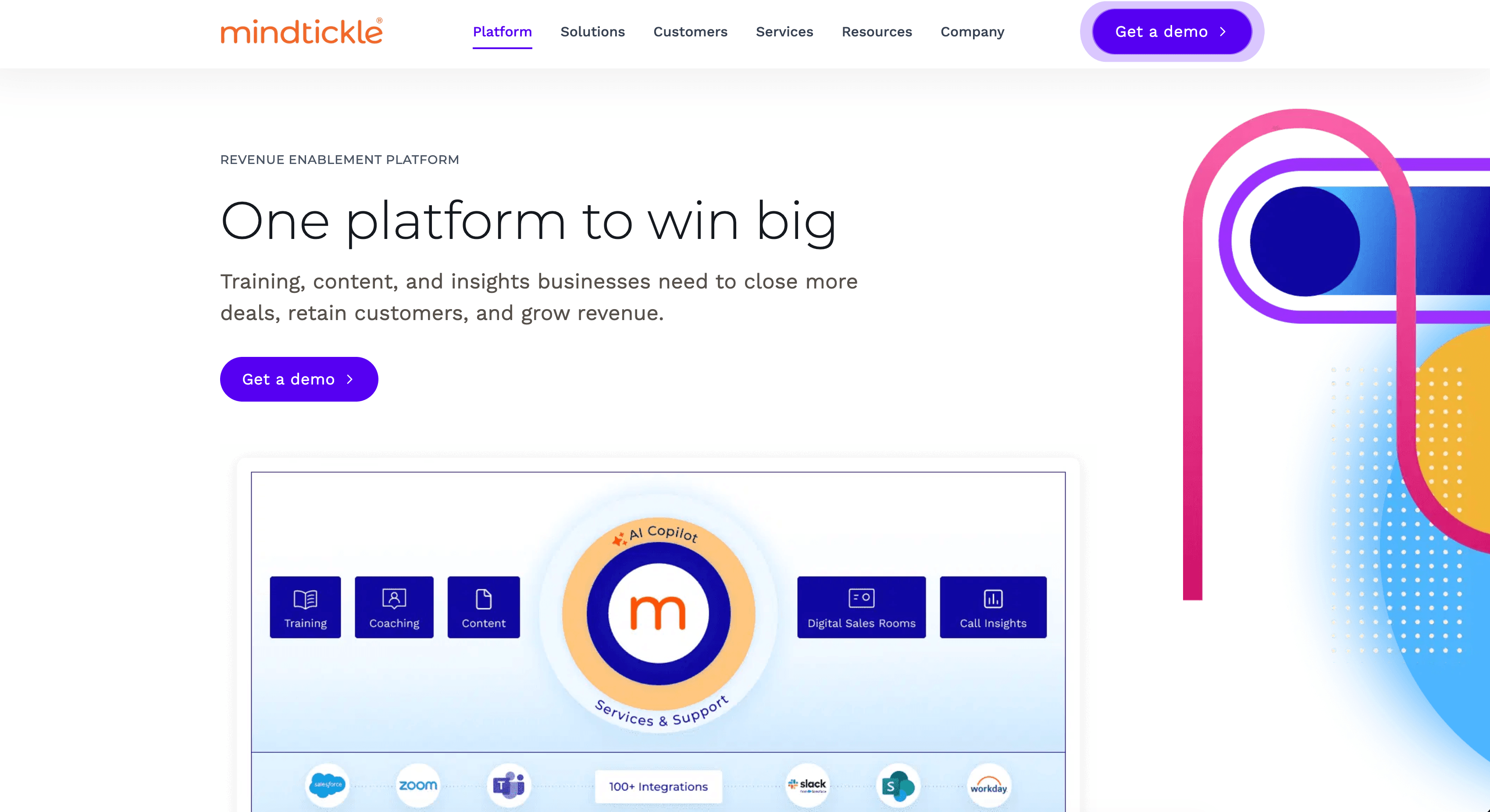 Best for: Enterprise sales teams that need a unified platform where content, coaching, and conversation intelligence converge to correlate readiness directly to revenue outcomes.
Mindtickle is an award-winning AI-powered revenue enablement platform, ranked by Gartner among the top 3 vendors in 2025, across 3 critical capabilities, including direct B2B selling and onboarding. It solves the "swivel chair" problem by consolidating sales training, sales content management, and coaching into one portal. It enables building personalized and impactful training programs that result in faster onboarding of new reps and sustained behaviour changes in tenured reps. Its data-driven AI sales coaching programs are trusted by brands like Cisco and Signifyd, saving countless manager hours and building a sustained culture of coaching.
Key features:
- Readiness Index™: A composite score of a rep's competency, combining quiz performance, role play scores, and live call execution data.
- AI Sales Role play: Sellers practice pitches with hyper-realistic AI buyer personas and receive immediate feedback on tone, pace, and filler words.
- Call AI: Native conversation intelligence that records and analyzes calls. It identifies deal risks and automatically prescribes micro-learning modules to fix behavior.
- Digital Sales Rooms (DSRs): Portals for sellers to curate tailored buying experiences that accelerate deals and deliver content that converts.
Also Read: Introducing Readiness Index: The Best Way to Set & Track Sales Performance Benchmarks
Pros:
- G2 users highly rate the ability to turn call insights directly into personalized training, ensuring coaching is always based on real-world evidence.
- Having CI, LMS, and CMS in one place eliminates tech sprawl and gives leadership a single source of truth for rep performance
- Mindtickle Copilot and AI role play allow teams to scale personalized coaching to thousands of reps without increasing manager headcount.
- The platform’s ability to map readiness scores to actual CRM win rates allows enablement teams to finally prove their ROI to the board.
Considerations:
- Because Mindtickle is a robust, category-defining platform, it’s best suited for organizations with a dedicated enablement function that can fully leverage its depth.
- This is not a "plug-and-play" point solution; it is designed for enterprise-wide change, which may be more than what a small startup needs.
Why it wins: Mindtickle creates a closed-loop feedback system. It doesn’t just tell you a rep is struggling; it triggers the specific training to fix it. It is also a leader in security, offering a zero-retention data policy.
Client review:
“Mindtickle enabled Cisco to roll out high-impact training to 18,000 sellers in just six weeks. With customizable learning journeys, real-time feedback loops, and seamless integration with Salesforce, Mindtickle helped activate skills quickly and measure training effectiveness across teams,” notes Chris Jackson, Distinguished Architect, Global Strategy & Operations, Cisco
Ready to turn readiness into revenue? Book a demo today to see how Mindtickle can close your team's performance gaps.
2. Allego
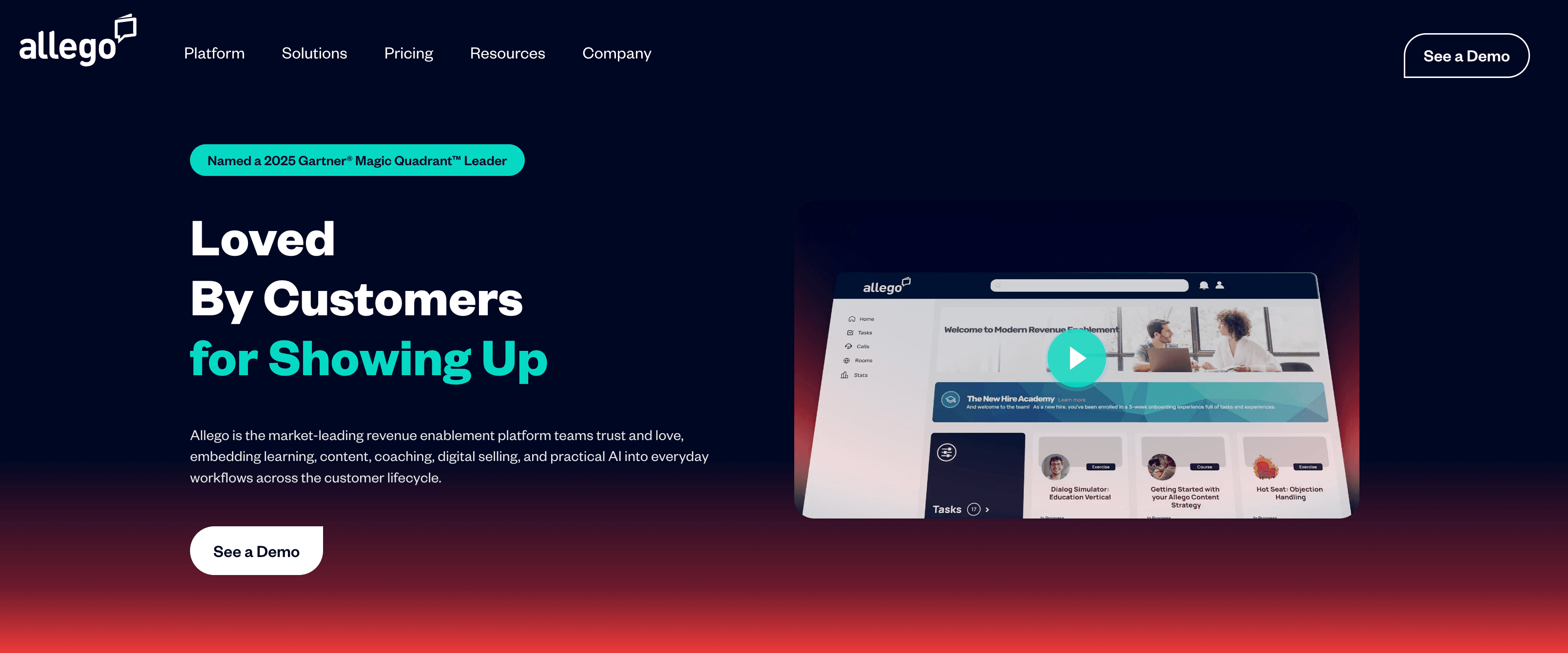 Best for: Field sales teams needing mobile-first peer learning and on-the-go content sharing
Overview: Allego champions "learning in the flow of work." Sales reps record win stories, product demos, and coaching moments directly from their phones, then share them globally across the organization. This makes onboarding faster and best practices stick better, especially valuable in industries like medical devices or financial services, where field reps rarely sit at desks.
Key features:
- Mobile video capture: Reps create and consume training content from any device, anywhere.
- Peer learning hub: A searchable library of win stories, objection-handling clips, and field insights contributed by top performers.
- AI coaching: Analyzes pitch videos and offers feedback on tone, pacing, and key message delivery.
Pros:
- Mobile-first design makes it easy for field reps to access training content anywhere
- Video-based learning drives higher engagement than traditional text-based modules
- Peer-to-peer knowledge sharing captures real-world insights from top performers
- Quick content creation allows sales teams to respond rapidly to market changes
Cons:
- Steep learning curve for admins setting up complex content workflows
- Video library can become cluttered without strong governance and regular curation
- Limited integration options with some popular LMS platforms
- Search functionality struggles to find specific moments within longer videos
- Higher price point compared to traditional learning management systems
3. Seismic
 Best for: Enterprises seeking centralized content control, brand governance, and compliance at scale
Overview: Seismic is the gold standard for content management in regulated industries. Its Aura AI ensures reps always access the latest, approved materials, no more sending outdated decks or off-brand slides. Think of it as a full-stack content management tool, complete with marketing uploads, AI tagging and recommendations, and compliance-filtered sales access.
Key features:
- Aura AI: Automatically surfaces the right content based on deal stage, buyer persona, and industry.
- LiveDocs: Dynamic presentations that auto-update when marketing refreshes underlying assets.
- Analytics: Tracks which content wins deals and which sits unused, informing content strategy.
Pros:
- Robust content analytics show exactly which materials drive revenue
- LiveDocs ensures sales teams always use the most current, brand-compliant assets
- Powerful integrations with major CRMs and sales engagement platforms
- Strong governance features meet compliance requirements for regulated industries
Cons:
- Complex implementation requires significant time and dedicated resources
- Overwhelming number of features can confuse new users
- Expensive pricing puts it out of reach for smaller organizations
- Content upload and tagging process is time-consuming for marketing teams
- Search results sometimes surface irrelevant content despite AI recommendations
4. Letter AI
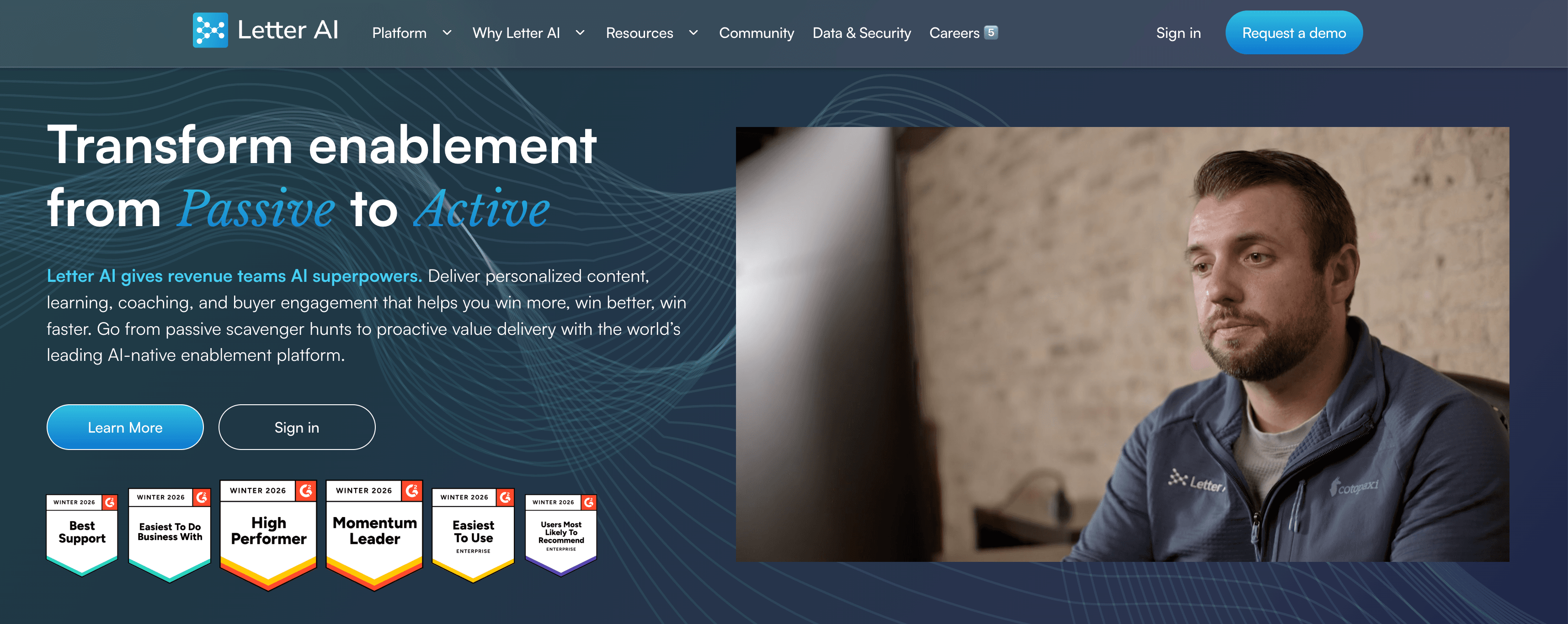 Best for: Enablement teams that need to convert raw documents into interactive training modules rapidly
Overview: Letter AI is a GenAI-native platform built for speed. Upload a product manual, competitive battlecard, or release notes PDF, and Letter AI transforms it into structured courses, flashcards, and quizzes, complete with assessments. What used to take enablement teams weeks now takes minutes.
Key features:
- Document-to-course engine: Automatically generates training modules from PDFs, slides, or internal wikis
- Adaptive quizzes: Tests reps on material and adjusts difficulty based on performance
- Integration ready: Plugs into Slack and LMS platforms for seamless rollout
Pros:
- Dramatically reduces course creation time from weeks to minutes
- AI-generated quizzes effectively test knowledge retention
- Clean, intuitive interface requires minimal training
- Scales easily across multiple product lines and regions
Cons:
- AI-generated content sometimes requires manual editing for accuracy
- Limited customization options for branding and course design
- Focuses primarily on knowledge transfer, not practical skill development
- Integration library is smaller than the established LMS platforms
- Newer platform means fewer case studies and proven best practices
Category 2: Sales automation & productivity
Description: AI tools that reduce manual work for sellers by automating outreach, prioritizing tasks, and streamlining day-to-day sales execution.
5. Regie.ai
 Best for: Outbound teams that want AI to handle prospecting grunt work and only surface high-value human moments.
Overview: Regie.ai deploys "Auto-Pilot Agents" that execute the entire outbound workflow autonomously. The AI researches prospects, builds segmented lists, writes personalized emails, and sends them on your behalf. It only notifies the rep when a prospect engages, and it's time for a call or meeting. Think of it as a tireless SDR that never sleeps.
Key features:
- Autonomous agents: AI handles research, list building, and email cadences without human input.
- Personalization at scale: Writes emails tailored to each prospect's role, company news, and pain points.
- Handoff intelligence: Alerts reps only when a prospect shows buying intent.
Pros:
- Autonomous agents free sellers to focus on high-value conversations
- Smart handoff ensures reps only engage warm prospects
- Significant time savings on prospecting research and list building
Cons:
- AI-written emails occasionally miss the mark on tone or relevance
- Less control over messaging compared to manual outbound approaches
- Integration setup can be complex for certain tech stacks
- Some prospects react negatively to clearly AI-generated outreach
- Learning curve to optimize AI agents for your specific audience
6. Lavender.ai
 Best for: Reps who write their own emails and want AIcoaching to boost reply rates.
Overview: Lavender acts as an inbox coach. As you draft an email, it scores your message in real-time based on brevity, tone, personalization, and readability. It then offers instant suggestions, like cutting jargon or adding a clearer call-to-action, to improve your chances of getting a reply.
Key features:
- Email scoring: Analyzes drafts against millions of data points to predict reply likelihood.
- Personalization coaching: Flags generic greetings and suggests ways to reference the prospect's LinkedIn or recent news.
- Mobile view: Shows how your email looks on a phone, where most prospects read messages.
Pros:
- Real-time feedback immediately improves email quality
- Easy Chrome extension setup requires no technical expertise
- Measurable impact on reply rates within weeks
- Personalization suggestions help reps stand out in crowded inboxes
Cons:
- Only assists with email, not calls or other sales activities
- AI suggestions can feel repetitive or formulaic over time
- Free tier has limited functionality compared to paid plans
- Scoring algorithm sometimes penalizes industry-specific terminology
- Doesn't integrate with all email clients equally well
7. Salesloft
 Best for: Revenue teams that need a unified platform to orchestrate every customer touchpoint across email, phone, and social.
Overview: Salesloft is a command center for revenue orchestration. Its AI engine, Rhythm, ranks a seller's tasks each day based on real-time signals, like a prospect viewing a proposal or a champion changing roles. This ensures reps always focus on the hottest leads and never miss a critical moment.
Key features:
- Rhythm AI: Prioritizes daily tasks using engagement signals, deal stage, and historical win patterns.
- Cadence automation: Multi-channel sequences (email, call, LinkedIn) that adapt based on buyer behavior.
- Conversation intelligence: Records and analyzes calls to identify winning talk tracks.
Pros:
- Unified platform eliminates the need for multiple point solutions
- Rhythm AI prioritization keeps reps focused on the highest-value activities
- Strong analytics provide visibility into team performance and pipeline health
- Multi-channel cadences effectively engage prospects across touchpoints
Cons:
- Steep learning curve requires significant training investment
- High price point challenges ROI justification for smaller teams
- Feature-rich platform can feel overwhelming for new users
- Some users report occasional sync issues with CRM data
- Call recording quality varies depending on the telephony setup
8. Apollo.io
 Best for: SMB and mid-market teams that want an all-in-one prospecting platform without breaking the bank.
Overview: Apollo.io combines a massive B2B contact database with automated email sequences and basic CRM functionality. It's ideal for teams that need to consolidate their lead-gen stack into one affordable tool. Search for prospects, enrich records, and launch outbound campaigns, all from a single interface.
Key features:
- 275 million+ contact database: Searchable by title, industry, company size, and technographics.
- Email sequences: Automate multi-touch campaigns with A/B testing and open/click tracking.
- Data enrichment: Auto-fills missing contact details and firmographics in your CRM.
Pros:
- Affordable pricing makes enterprise-grade prospecting accessible to SMBs
- All-in-one platform consolidates prospecting, sequencing, and basic CRM
- Large contact database covers most industries and verticals
- Intuitive interface allows new users to get started quickly
Cons:
- Contact data accuracy varies, leading to bounced emails
- Email deliverability can suffer without proper domain warming
- Limited advanced features compared to specialized point solutions
- Customer support response times can be slow during peak periods
- Database coverage is weaker in certain international markets
Category 3: Conversation intelligence
Description: AI solutions that analyze sales conversations to surface buyer insights, improve coaching, and inform deal strategy.
9. Mindtickle Call AI
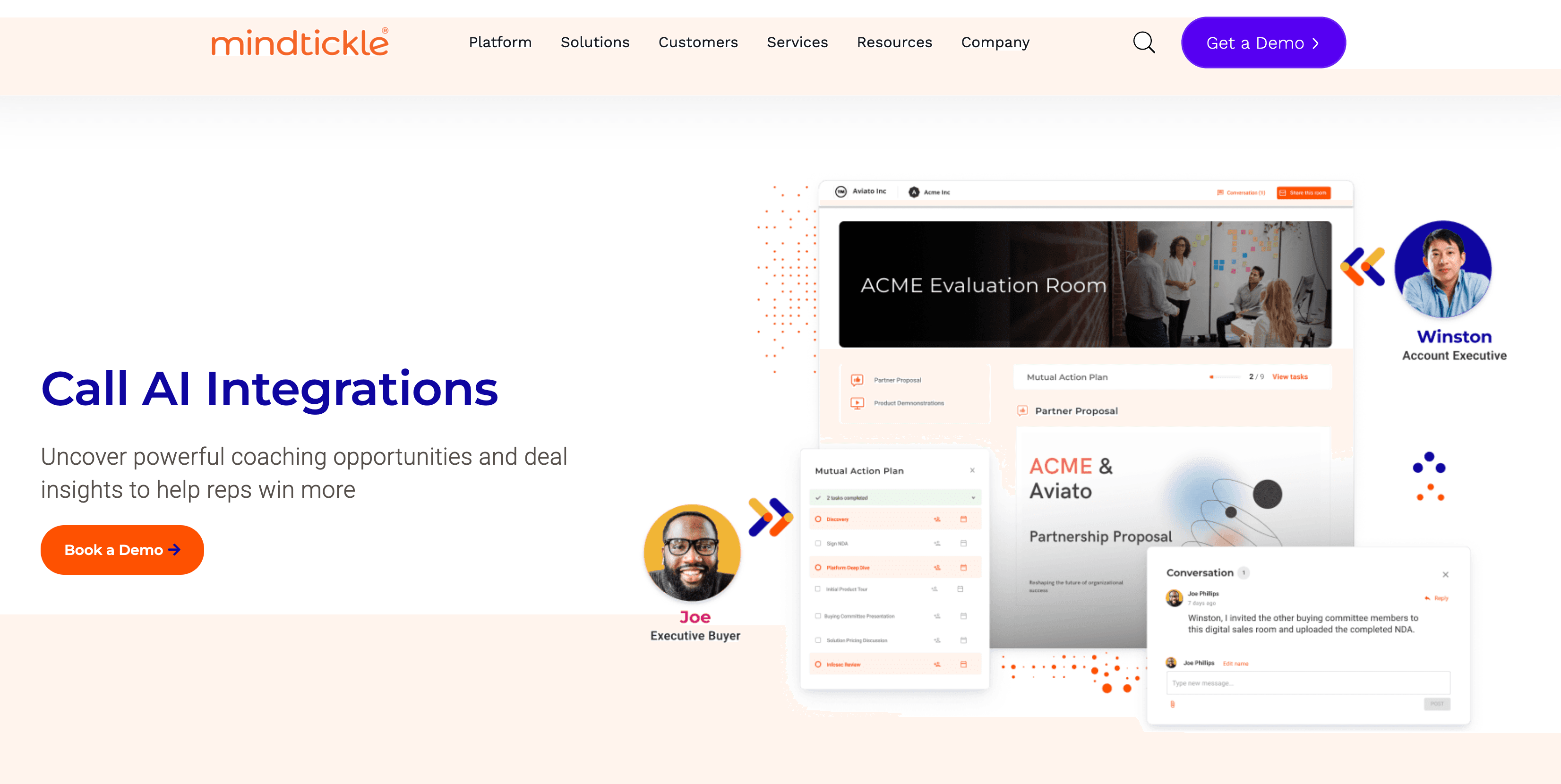 Best for: Organizations that want to close the "execution gap" by turning live call insights directly into automated coaching and sales readiness actions.
Mindtickle Call AI isn't just another call recorder; it's the intelligence layer of a complete revenue enablement ecosystem. While most tools simply diagnose deal health, Mindtickle’s Call AI is the only solution that closes the loop between "knowing" and "doing." It records, transcribes, and analyzes every buyer interaction, then pipes that data into the Mindtickle Readiness Index™ to pinpoint exactly which skills are missing in the field. If a rep consistently fumbles a specific objection or mentions a competitor incorrectly, the system doesn’t just flag it; it automatically prescribes the exact micro-learning or role play exercise needed to fix it.
Key features:
- Closed-loop remediation: Automatically triggers personalized training and role play missions based on real-world behaviors detected during live calls.
- AI-powered call scoring: Uses machine learning to score 100% of calls against metrics like talk-to-listen ratios, question frequency, and sentiment.
- Competency mapping: Connects call performance data to the Readiness Index™, allowing leaders to correlate seller skills directly to CRM win rates and deal sizes.
- AI copilot summaries: Generates instant call recaps and detects next steps, saving sellers hours of administrative work.
- Snippet collaboration: Allows managers to easily highlight and share clips of perfect discovery calls or objection handling to foster peer-to-peer learning.
Pros:
- Because CI is built natively into the enablement platform, there is zero data lag between a rep making a mistake on a call and receiving the training to correct it
- Relieves frontline managers of the burden of listening to thousands of hours of calls by surfacing only the "teachable moments" that matter
- Offers industry-leading security with SOC 2 Type II compliance and a strict zero-retention data policy, ensuring your proprietary customer data is never used to train public models
- Moves 1:1 sessions from "gut-feeling" discussions to data-driven strategy sessions based on actual field evidence
Considerations:
Mindtickle Call AI is most powerful when used as part of the broader Mindtickle platform. Organizations looking only for a standalone recorder may miss out on its unique remediation capabilities. To get the best results, teams should have a well-defined sales methodology in place.
Client review:
“By combining Mindtickle’s training modules with Call AI, we gained powerful insights into rep performance, from call quality to keyword usage, helping managers focus coaching where it’s needed most,” says Sal Pecoraro, SVP, Client Technology Solutions, Data Axle.
Ready to stop guessing and start coaching with precision? Book a demo of Mindtickle Call AI today.
10. Gong.io
 Best for: Revenue leaders who need to forecast accurately and understand which deals will actually close.
Overview: Gong is the leader in revenue intelligence. It captures every customer interaction, calls, emails, and meetings, and analyzes them to provide a deal reality score. This score factors in email velocity, stakeholder engagement, and competitive mentions to tell you which forecast deals are real and which are wishful thinking.
Key features:
- Deal reality score: Predicts close probability using engagement patterns, not just rep intuition.
- Competitor tracking: Flags when competitors are mentioned and analyzes how your team responds.
- Team insights: Identifies which talk tracks, objection handling techniques, and demos correlate with wins.
Pros:
- Deal reality scores dramatically improve forecast accuracy
- Conversation intelligence reveals coaching opportunities managers would otherwise miss
- Competitive tracking helps sales teams refine positioning and objection handling
- Robust integrations with major CRMs and sales engagement platforms
Cons:
- Premium pricing makes it prohibitive for smaller organizations
- Recording all calls raises privacy concerns with some prospects
- Massive amount of data can overwhelm teams without clear processes
- Requires strong CRM hygiene to deliver accurate insights
- Some users report that the interface feels cluttered with too many features
11. Chorus.ai
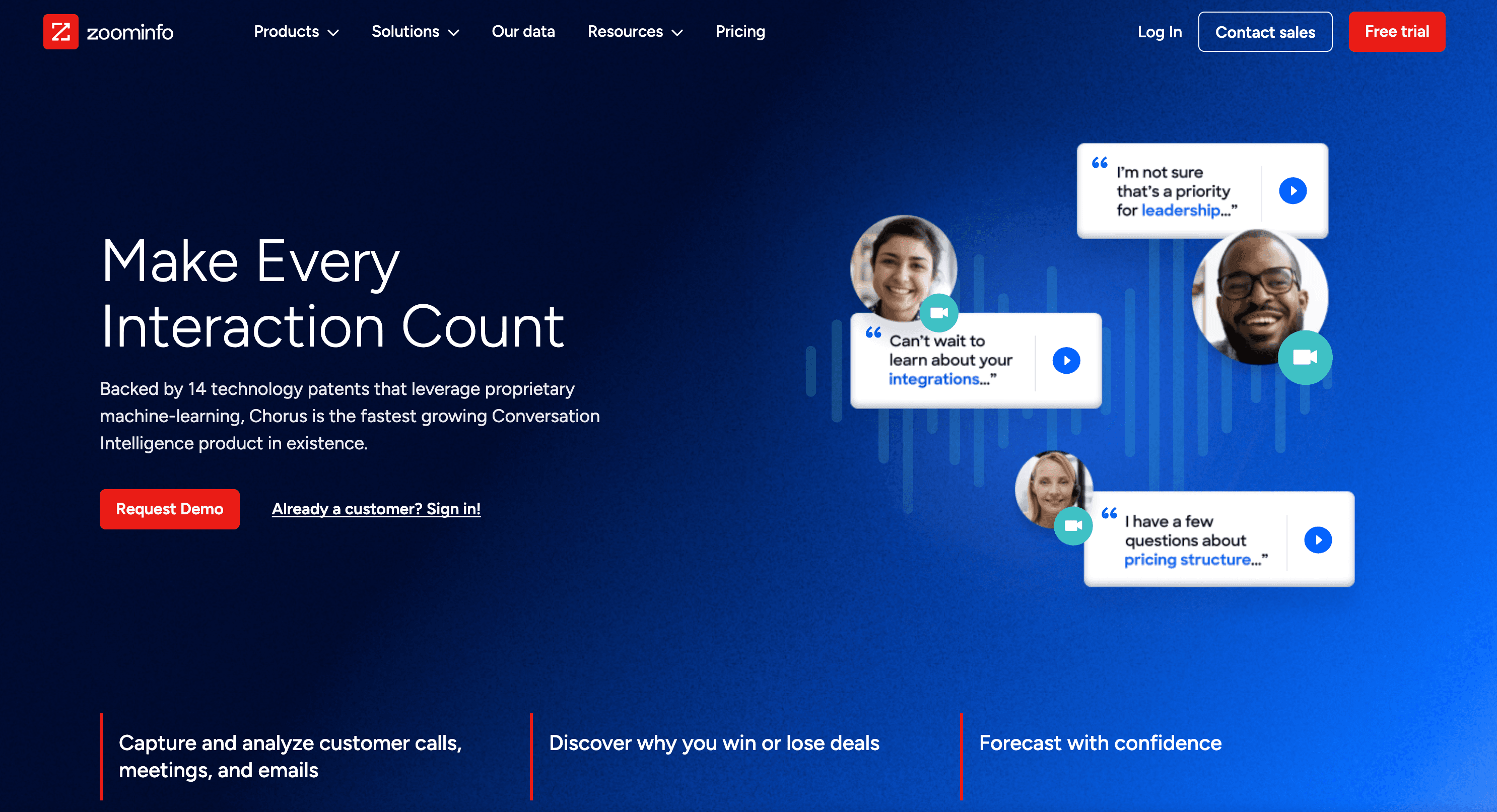 Best for: Enterprise sellers who need to map complex buying committees and ensure multi-threading.
Overview: Chorus excels at relationship mapping. Because it integrates with ZoomInfo's massive B2B database, it automatically identifies the titles, influence, and org chart position of everyone on a call. This helps sellers ensure they're engaging the economic buyer, not just a low-level champion.
Key features:
- Automatic attendee identification: Matches call participants to ZoomInfo profiles and org charts.
- Stakeholder analysis: Flags which decision-makers are missing from your conversations.
- Conversation intelligence: Transcribes calls and highlights customer objections, pain points, and next steps.
Pros:
- ZoomInfo integration automatically enriches call participants with org chart data
- Relationship mapping prevents single-threaded deals
- Conversation transcription accuracy is high across various accents
- Tracker alerts notify reps when key topics are mentioned
Cons:
- Expensive, especially when bundled with a full ZoomInfo subscription
- Requires a ZoomInfo data subscription for the best functionality
- Call recording notifications can make some prospects uncomfortable
- Learning curve to fully utilize all conversation intelligence features
- Mobile app functionality is limited compared to the desktop experience
12. Dialpad
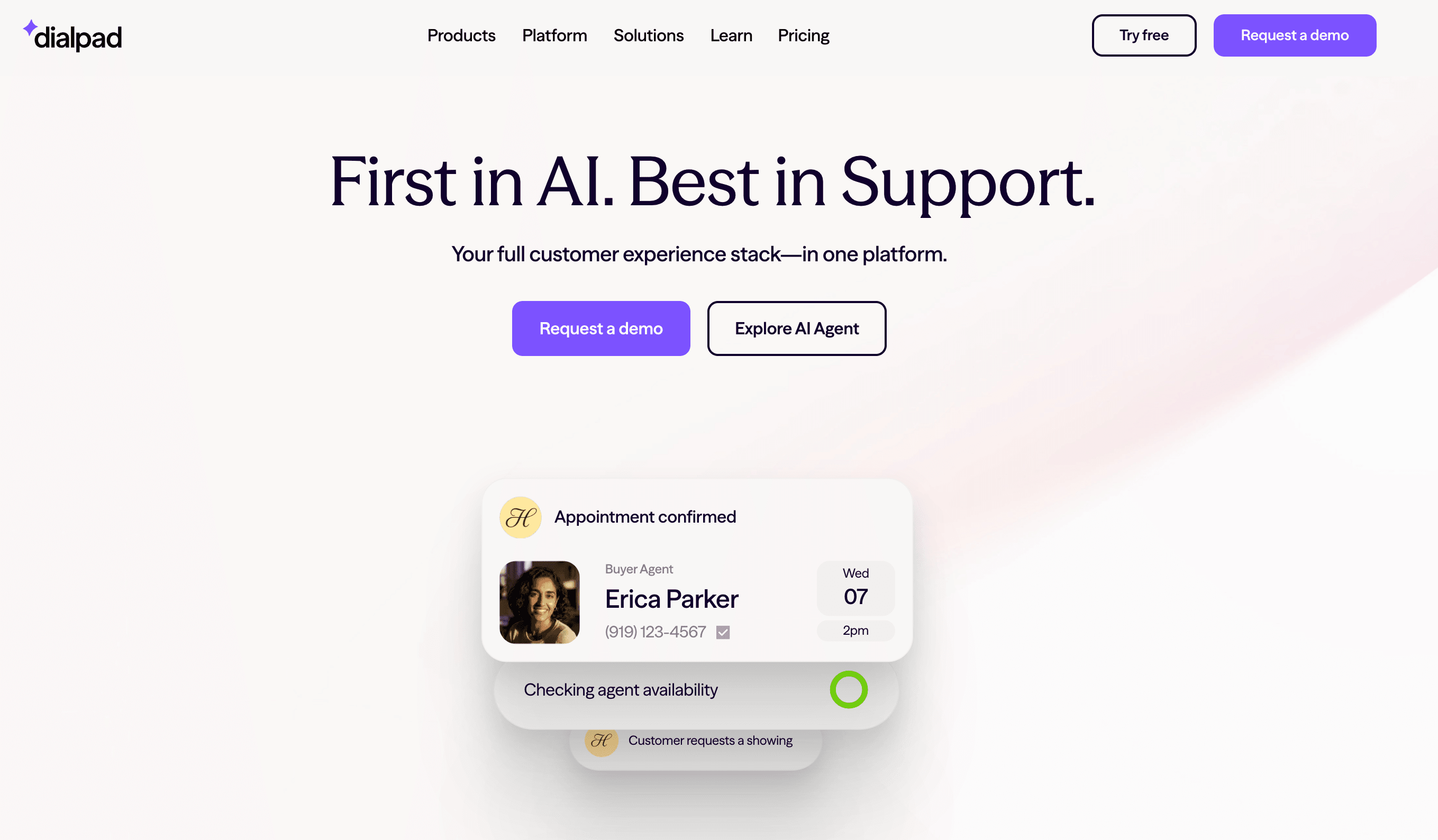 Best for: Sales teams reliant on phone conversations and need AI support during live calls.
Overview: Dialpad is a cloud telephony system with built-in AI. Its "Real-Time Assist" feature pops up battle cards, talk tracks, and competitive intelligence on a rep's screen the moment a customer mentions a competitor or asks about pricing. It's like having a coach whispering in your ear during every call.
Key features:
- Real-time assist cards: Displays relevant content instantly based on keywords detected in the conversation.
- Live transcription: Converts calls to text in real-time, making it easy to capture notes and action items.
- Post-call AI summary: Automatically logs call outcomes and next steps in your CRM.
Pros:
- Real-Time Assist provides instant coaching during live conversations
- Cloud-based system requires no on-premise hardware investment
- Live transcription captures accurate notes without manual typing
- Post-call summaries automatically sync to CRM
Cons:
- AI features are less sophisticated than dedicated conversation intelligence tools
- Real-Time Assist cards sometimes trigger on false positives
- Call quality can degrade on unstable internet connections
- Limited customization options for battle cards and assist content
- Analytics and reporting capabilities are basic compared to competitors
Category 4: Proposal & contract management
Description: AI tools for generating proposals, managing contract workflows, and closing agreements faster (approvals, negotiation, eSign, and tracking).
13. Ironclad
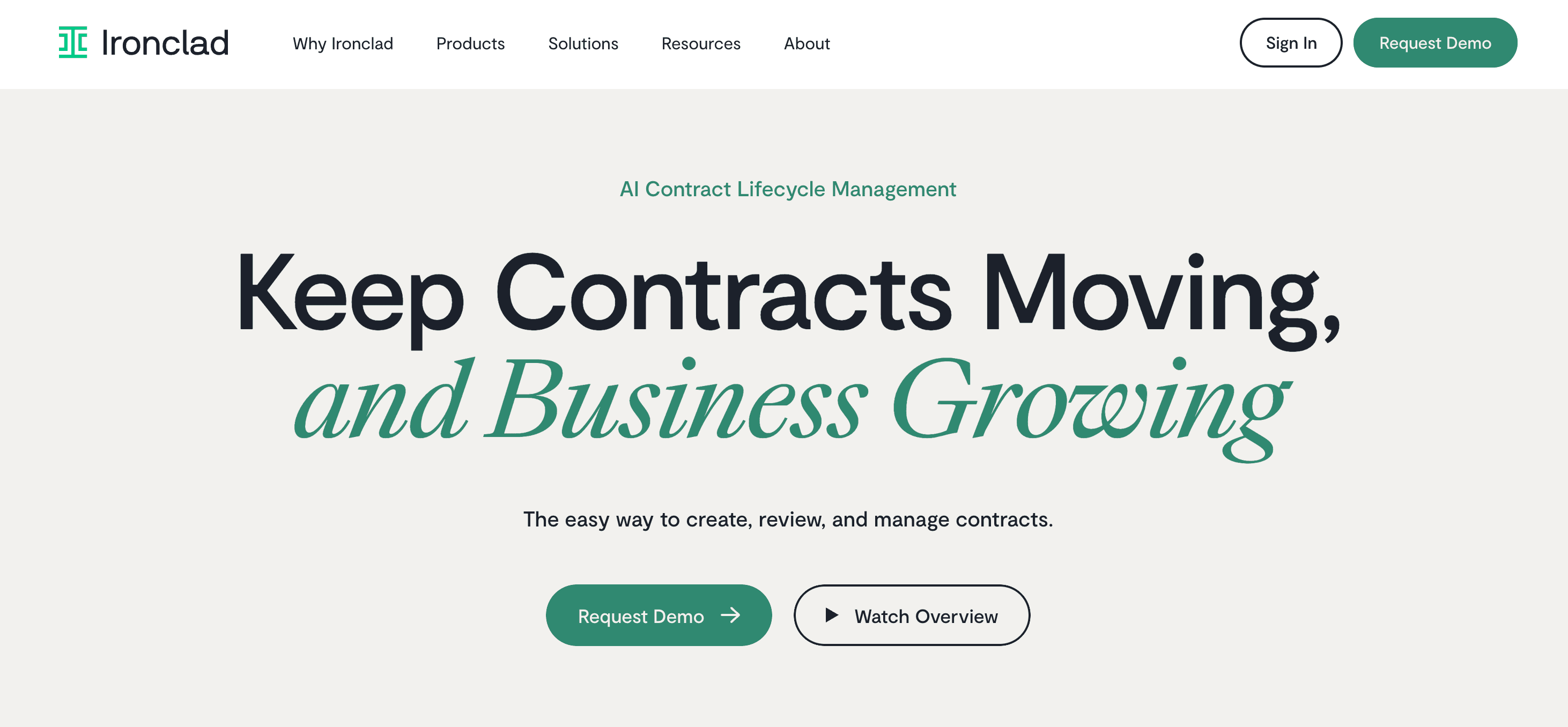 Best for: Legal-heavy sales cycles requiring complex redlining, collaboration, and strict compliance governance.
Overview: Ironclad bridges the gap between Sales and Legal. It's a Salesforce-native CLM that lets AEs generate contracts and, crucially, lets Legal manage complex redlining workflows. Its new Jurist AI assistant acts as a force multiplier, automatically negotiating standard clauses and highlighting risks in line with company policy.
Key features:
- Jurist AI: An agentic assistant that redlines documents, comparing incoming contracts against your internal playbooks to suggest edits.
- Salesforce integration: Bi-directional sync allows Sales to trigger contracts and view status without leaving the opportunity record.
- Repository: A searchable, AI-tagged database of all legacy contracts.
Pros:
- Jurist AI dramatically accelerates standard contract negotiations
- Seamless Salesforce integration keeps sales teams in their workflow
- Audit trail ensures complete compliance documentation
- Automated workflows route contracts to appropriate stakeholders
Cons:
- Expensive and overly complex for simple, transactional sales
- Steep learning curve requires extensive training for both sales and legal
- Implementation timeline can stretch several months
- Limited flexibility for companies with non-standard contract processes
- AI suggestions sometimes require legal review, reducing time savings
14. DocuSign CLM
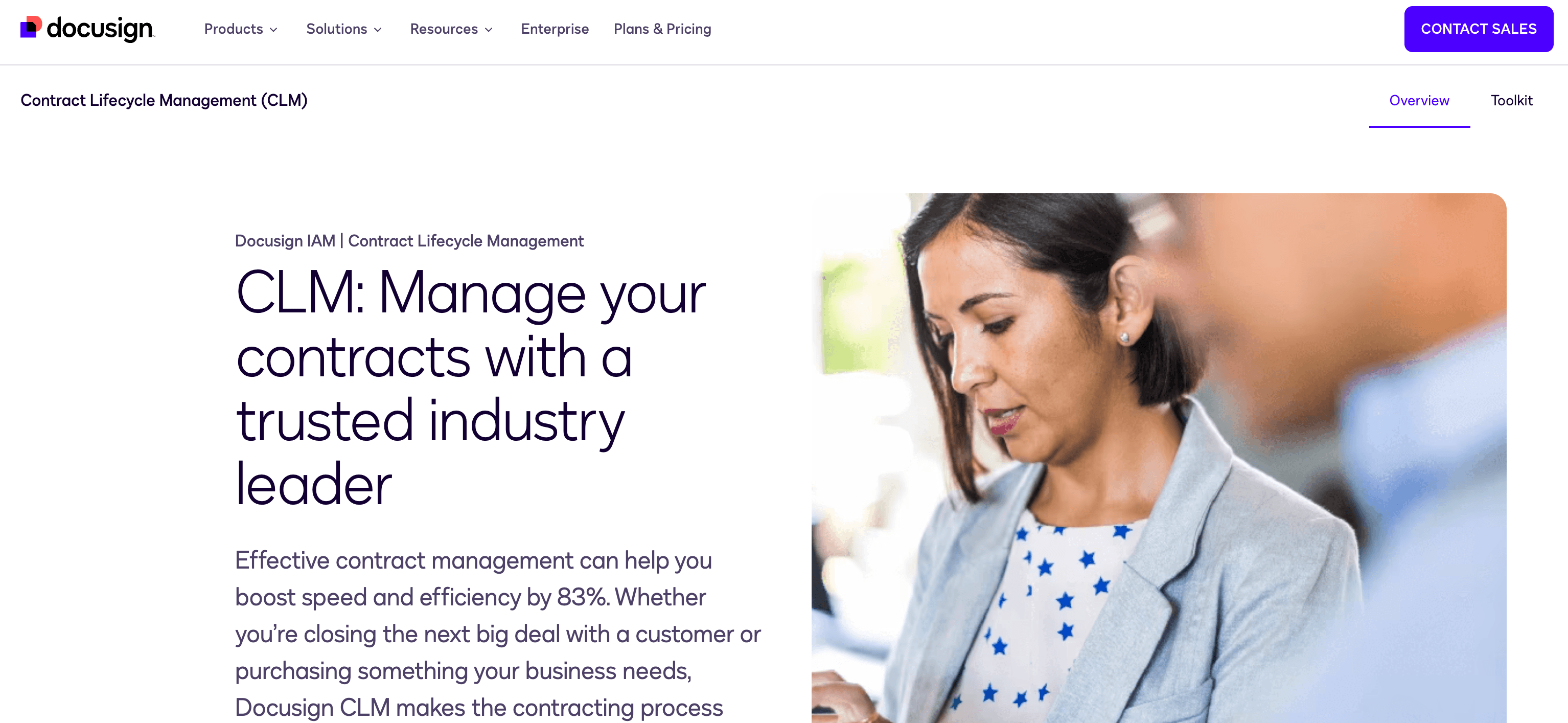 Best for: Enterprises that need end-to-end contract lifecycle management with deep Salesforce integration.
Overview: DocuSign CLM is the enterprise standard for managing contracts from creation to renewal. It integrates with Salesforce Data Cloud to analyze payment terms, renewal dates, and compliance clauses at scale. This alignment between sales, finance, and legal ensures long-term revenue predictability and reduces churn.
Key features:
- Salesforce data cloud integration: Syncs contract data for revenue forecasting and renewal management.
- Automated workflows: Routes contracts for approval based on value, region, or risk level.
- AI-powered insights: Surfaces anomalies like unusual payment terms or missing clauses before contracts are signed.
Pros:
- Industry-leading eSignature experience, which is familiar to most buyers
- Deep Salesforce integration provides seamless data flow
- Automated workflows reduce manual contract routing time
- AI insights flag risky terms before they become problems
Cons:
- Complex implementation requires months and dedicated resources
- Expensive licensing puts it out of reach for smaller companies
- User interface can feel dated compared to newer CLM platforms
- Advanced features require technical expertise to configure properly
- Customer support quality varies depending on the support tier
15. PandaDoc
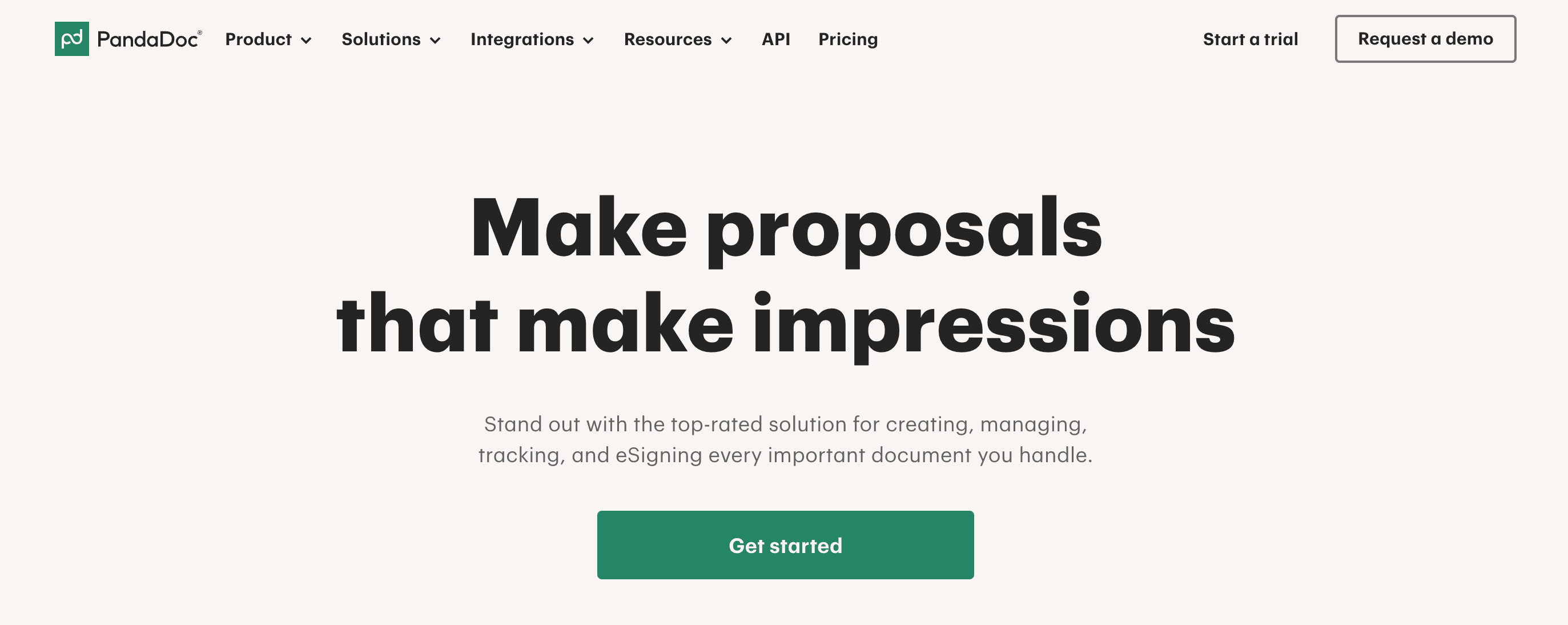 Best for: Teams that want a visually appealing, all-in-one platform for proposals, quotes, and eSignatures.
Overview: PandaDoc is known for its drag-and-drop simplicity and beautiful templates. It combines proposals, CPQ (Configure, Price, Quote), and eSignature in one interface that reps actually enjoy using. Instead of wrestling with Word docs and manual pricing, sellers build on-brand proposals in minutes.
Key features:
- Drag-and-drop builder: Create proposals with images, videos, pricing tables, and eSign fields, no coding required.
- Built-in CPQ: Configure products, apply discounts, and generate accurate quotes without leaving the platform.
- Content library: Store approved templates, case studies, and pricing sheets for instant reuse.
Pros:
- Intuitive drag-and-drop editor requires minimal training
- Professional, visually appealing templates impress buyers
- Built-in CPQ eliminates pricing errors
- Fast document creation speeds up sales cycles
Cons:
- Analytics and reporting are basic compared to specialized tools
- Template customization has limitations for complex use cases
- CPQ functionality is less robust than dedicated solutions
- Mobile app experience lags behind the desktop version
- Higher-tier features require expensive plan upgrades
Category 5: Forecasting & reporting
Description: AI platforms that analyze pipeline, activity, and performance data to improve forecast accuracy and revenue predictability.
16. Clari
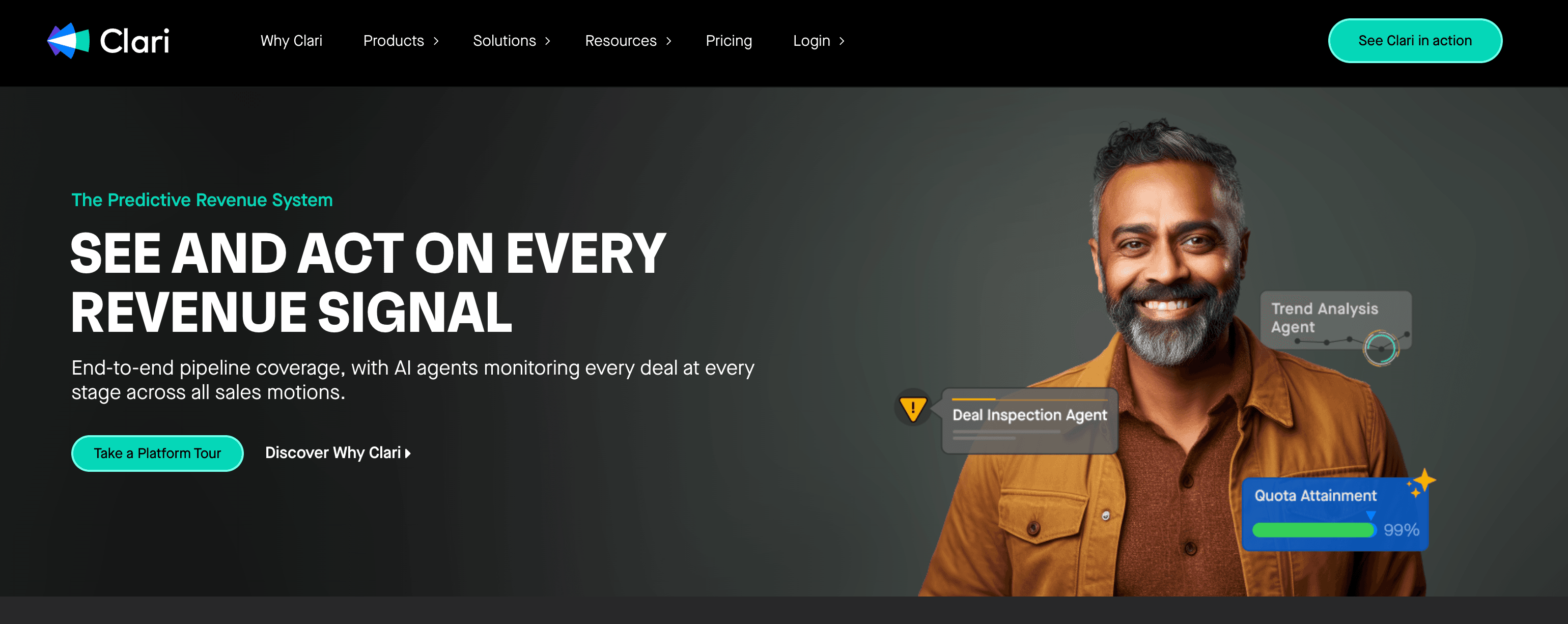 Best for: Revenue leaders who need board-level forecast accuracy and predictability.
Overview: Clari provides the most accurate revenue forecasting in the industry. Its RevDB time-series database snapshots your pipeline history and uses AI to predict exactly where you'll land at quarter-end, often with 95%+ accuracy. Clari turns forecasting from a guessing game into a science.
Key features:
- RevDB time-series engine: Tracks every change to every deal over time, revealing patterns invisible in static CRM reports.
- Predictive forecasting: Uses historical data and real-time signals to project end-of-quarter revenue with high precision.
- Waterfall analysis: Shows exactly how your forecast has changed week-over-week and identifies what's driving movement.
Pros:
- Forecast accuracy consistently exceeds 95% for mature implementations
- Time-series data reveals pipeline trends invisible in traditional reports
- Executive dashboards provide board-ready revenue insights
- Waterfall analysis quickly identifies forecast risks
Cons:
- Premium pricing limits accessibility to enterprise organizations
- Requires pristine CRM data hygiene to deliver accurate predictions
- Steep learning curve for advanced forecasting features
- Implementation timeline can extend several months
- Ongoing maintenance requires dedicated RevOps resources
17. InsightSquared
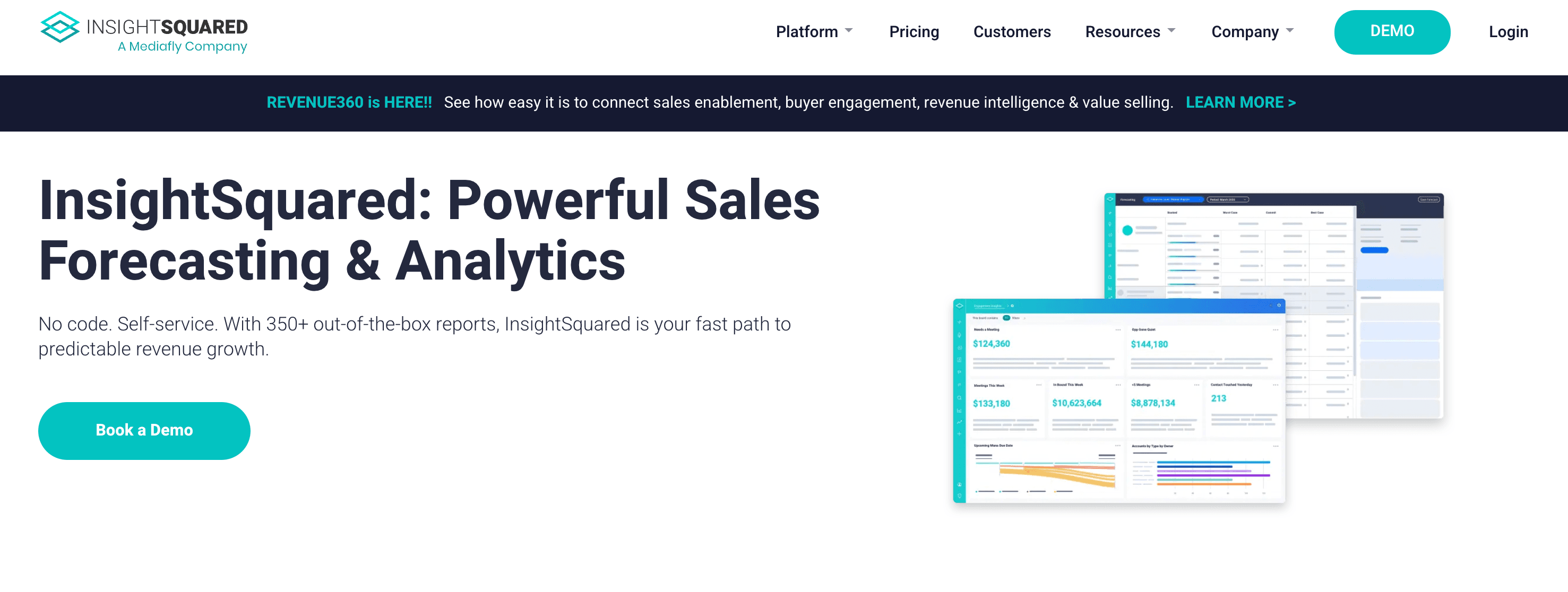 Best for: Sales operations leaders who need deep analytical reporting to diagnose pipeline problems.
Overview: InsightSquared focuses on historical trend analysis and funnel diagnostics. It's built for RevOps teams that need to pinpoint exactly where the pipeline is leaking, whether it's top-of-funnel conversion, deal velocity, or win rate. Think of it as an X-ray machine for your revenue engine.
Key features:
- Funnel analytics: Tracks conversion rates at every stage and compares them across time periods, teams, and segments.
- Activity metrics: Measures rep productivity (calls, emails, meetings) and correlates it with pipeline creation.
- Trend reports: Surfaces year-over-year or quarter-over-quarter changes in key metrics.
Pros:
- Deep funnel diagnostics identify exactly where pipeline leaks occur
- Customizable dashboards adapt to unique sales processes
- Historical trend analysis reveals patterns over time
- Strong activity correlation shows what drives pipeline creation
Cons:
- Focuses on historical data rather than predictive insights
- Report customization requires technical knowledge
- User interface feels dated compared to newer analytics platforms
- Limited native integrations with a modern sales tech stack
- Customer support response times can be inconsistent
18. Salesforce Einstein (Agentforce)
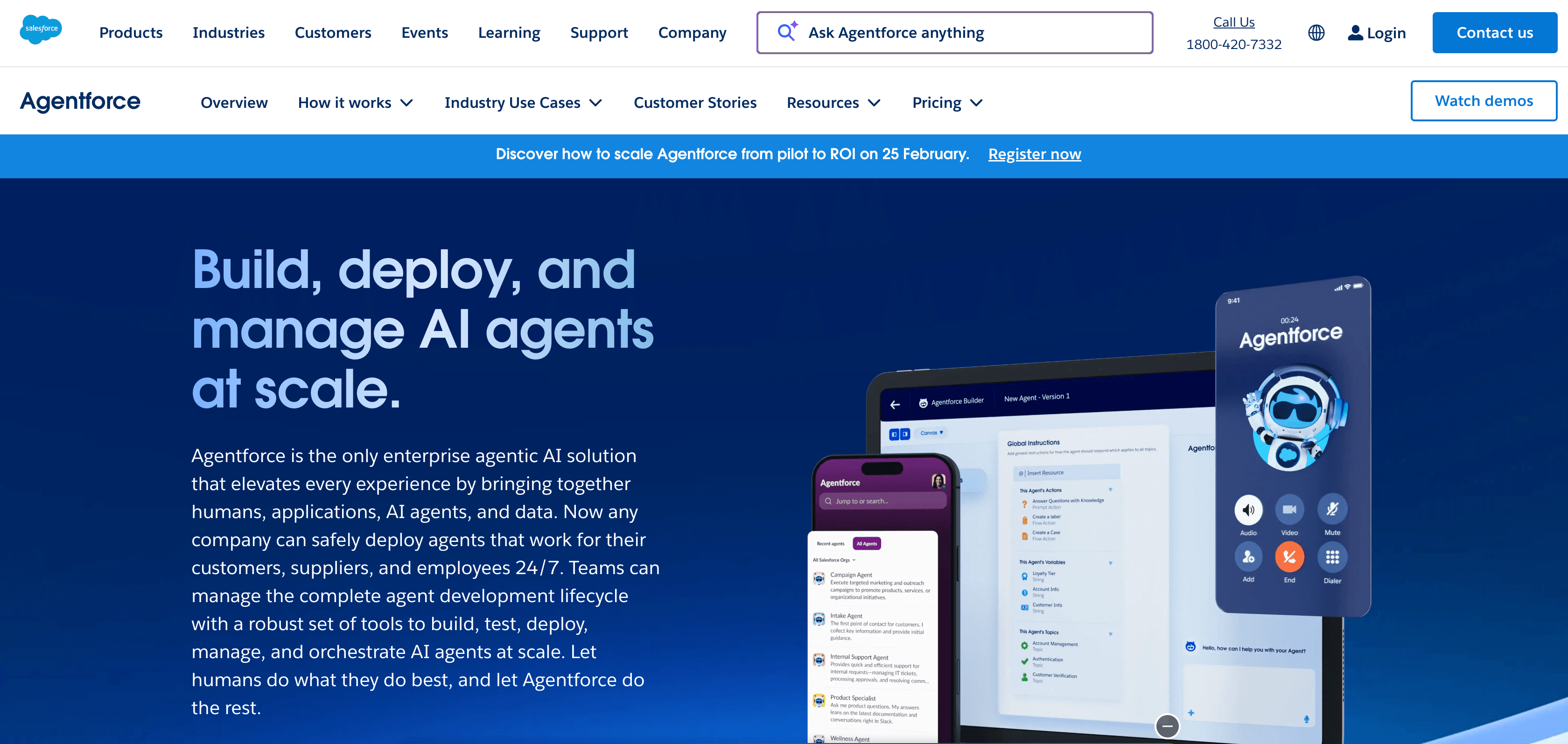 Best for: Salesforce users who want native AI without third-party integrations or data syncing.
Overview: Einstein is Salesforce's built-in AI layer. It offers opportunity scoring, forecasting guidance, and next-best-action recommendations, all directly within the CRM. Because it's native, there's no ETL, no middleware, and no data lag. Einstein learns from your Salesforce data and delivers insights where your team already works.
Key features:
- Opportunity scoring: Ranks deals by close probability using historical win patterns and engagement data.
- Forecasting predictions: Flags at-risk commits and suggests deals to add to your forecast.
- Activity capture: Automatically logs emails and calendar events without manual data entry.
Pros:
- Native Salesforce integration eliminates data syncing headaches
- Opportunity scores help reps prioritize high-probability deals
- Activity capture reduces manual CRM data entry
- Seamless user experience within the familiar Salesforce interface
Cons:
- Less sophisticated than specialized AI tools like Gong or Clari
- Requires Salesforce Data Cloud for advanced features, adding cost
- AI recommendations can be generic without extensive customization
- Limited conversation intelligence compared to dedicated platforms
- Model training requires substantial historical Salesforce data
19. People.ai
 Best for: Enterprise teams selling into complex buying groups who need automatic CRM hygiene and relationship mapping.
Overview: People.ai solves the "garbage in, garbage out" problem by automatically capturing every email, meeting, and calendar event, then matching it to the right opportunity in your CRM. It maps the web of stakeholders in large enterprise accounts, including the CFO, VP of IT, procurement, and legal, to ensure no relationship falls through the cracks.
Key features:
- Automated activity capture: Syncs emails and meetings from Gmail, Outlook, and calendars to Salesforce without manual logging.
- Relationship intelligence: Maps buying committees and tracks engagement across all stakeholders.
- Revenue insights: Analyzes which relationships correlate with wins and flags coverage gaps.
Pros:
- Automated activity capture eliminates manual CRM data entry
- Relationship mapping visualizes complex enterprise buying committees
- Data accuracy dramatically improves with automatic capture
- Actionable insights reveal which relationships drive deals forward
Cons:
- Automatic email syncing raises privacy and security concerns
- Expensive pricing limits adoption to enterprise organizations
- Requires clear data governance policies before implementation
- Some users report occasional sync errors with calendar events
- Relationship intelligence requires time to build meaningful patterns
How we evaluated AI sales tools for 2026
To make this list actually useful for enterprise leaders, we filtered out the noise and based our review on unfiltered customer reviews and recent analyst reports
- Closed-loop capability: In 2026, diagnosing a problem is table stakes. We prioritized tools that offer remediation. Does the tool just tell you a rep is failing, or does it automatically trigger a workflow to fix the behavior?
- AI maturity & security: We evaluated tools based on modern governance standards. We looked for SOC 2 Type II compliance, ISO 27001, and the emerging ISO 42001 (AI Management System) standards. Crucially, we prioritized vendors with zero-retention data policies, meaning your proprietary customer data isn't used to train their global public models.
- Integration depth: A tool is useless if it operates in isolation. We scored heavily on integration depth with the "Big 3" CRMs (Salesforce, HubSpot, Dynamics) and on how well these tools communicate with each other.
- Manager augmentation: The bottleneck in most organizations is the overworked frontline manager. We focused on "Agentic AI," tools that autonomously handle administrative tasks so managers can focus on coaching and strategy.
Having the right tools is only half the battle won. The real competitive advantage in 2026 comes from how you architect these solutions to talk to one another and drive collective impact.
How to choose the right AI sales tools for your stack
How well your sales stack works depends on how well the AI tools within it integrate and exchange data. Once that happens, you build a revenue engine that fuels itself and gets smarter over time.
1. Start with your biggest pain point
Avoid buying tools because they're trending. Pinpoint where your team struggles most—whether it's slow onboarding, reps who can't find the right content, or inconsistent call performance. Fix that problem first.
2. Check how tools connect to your current stack
New tools should sync seamlessly with your CRM, email, and content platforms. If a tool requires custom development to integrate, it'll create more problems than it solves. Ask vendors about pre-built connectors and bi-directional data flow before you commit.
3. Test skills in a safe environment
AI-powered tools can simulate real sales scenarios, letting your reps practice without real stakes. Look for platforms that adapt to each rep's skill level and provide immediate feedback, not generic coaching tips.
4. Get actionable insights from every conversation
The best tools don't just capture data. They analyze what happened, identify patterns, and show you exactly where your team needs support. Real-time insights help you address issues before they become bigger problems.
5. Plan for growth and meet compliance standards
Choose platforms that scale as your team expands. Verify that vendors meet security requirements like ISO 42001 and comply with regulations like the EU AI Act. Your data governance today protects your revenue tomorrow.
For a deeper dive into evaluating AI platforms for compliance and scalability, read our Buyer's Guide to AI Role Play Platforms.
Conclusion: How to choose the right AI sales tools for your 2026 stack
The "best" tool isn't a single piece of software. It's a connected ecosystem built around key functions: Enablement, Automation, Intelligence, Contracts, and Forecasting.
In 2026, true interoperability matters more than basic integration. Most tools claim they integrate, but real interoperability means bidirectional data flow; your tools don't just connect, they actively share context with each other. Look for platforms with native AI built into the core product, not bolt-on features added later.
When your conversation intelligence platform can send insights directly to your enablement tool, and that tool can push performance data back to forecasting, you create a system where each tool makes the others smarter. The most successful revenue teams build a closed-loop system. They identify gaps using Intelligence, fix them using Enablement, and measure the result using Forecasting.
Is your team ready to close the loop between insights and revenue? Explore Mindtickle’s Revenue Enablement Platform and see how AI can turn readiness into revenue. Book a Demo to see it in action.
FAQs on Best AI Sales Tools for Revenue Teams
What are the main categories of AI sales tools in 2026?
Most AI sales stacks fall into five broad layers: sales enablement, sales automation/productivity, conversation intelligence, proposal & contract (CLM/CPQ), and forecasting/reporting. The best stacks connect these layers so insights turn into actions and measurable outcomes.
How do I choose the right AI sales tool without creating more point-solution fatigue?
Start with one high-impact problem you want to solve (ramp time, outbound volume, deal risk, contract delays, forecast accuracy). Then pick tools that solve that specific problem and integrate natively with the rest of your workflow.
For example, if you're trying to reduce ramp time, your enablement platform should connect directly with your CRM and conversation intelligence tools, so new rep training automatically pulls from real deal data and recent call patterns. This native integration ensures insights lead to action without manual work.
What does "closed-loop remediation" mean in sales AI?
Closed-loop remediation means the system doesn't just identify a problem (like weak objection handling). The system triggers the fix (coaching, training, role play, or workflow automation) and tracks whether performance improves.
Which AI sales tools are best for conversation intelligence?
Conversation intelligence tools record and analyze calls to surface risks, themes, and coaching moments. The best fit depends on whether you want insights-only analysis or insights that automatically drive coaching actions.
If you want to dig deeper to know more about conversation intelligence, download our guide: Buyer’s Guide to Conversation Intelligence Solutions.
What security and governance requirements should I look for in AI sales tools?
At a minimum, look for SOC 2 Type II and clear data handling policies. For enterprise use, prioritize ISO 27001, emerging AI governance (like ISO 42001 where applicable), and zero-retention/no-training-on-your-data options.
Do I need both a sales enablement platform and a conversation intelligence tool?
Not always. If your enablement platform includes conversation intelligence and can turn call insights into coaching/training, you may be able to consolidate. If you need best-in-class deal analytics or a separate CI workflow, a standalone CI tool can still make sense.
What's the fastest way to implement an AI sales stack and prove ROI?
Run a pilot with one team/region, define success metrics upfront (e.g., ramp time, reply rate, win rate, forecast accuracy), and enable frontline managers first. Track adoption signals (leading) and revenue outcomes (lagging).
Which category should I prioritize first: enablement, automation, or forecasting?
Prioritize based on your bottleneck: enablement for ramp/readiness gaps, automation for outbound capacity and rep time, and forecasting for predictability and governance. Most teams see faster behavior change when enablement and intelligence connect.